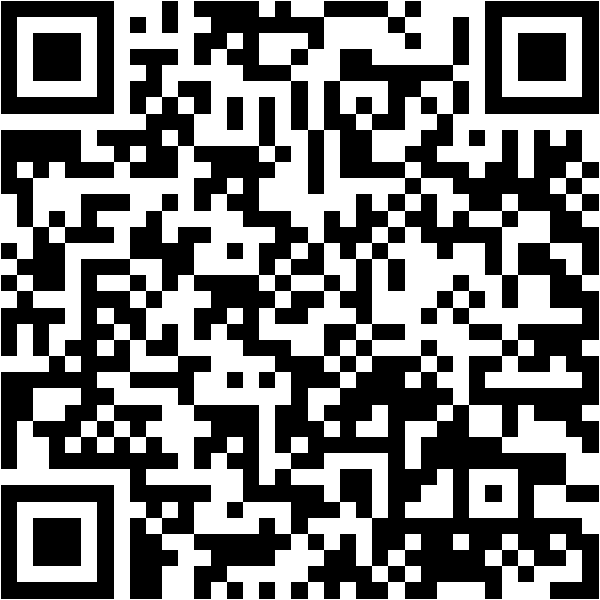
This repo creates a shareable QR code that launches your live portfolio in AR. Visitors can adjust transparency, cycle your GitHub projects, and interact with the experience directly in the air.
Use this QR to open the AR experience on mobile.
Tip: the default QR also acts as the AR marker. If you change the URL, the marker will not match.
Hybrid WebXR + marker AR means more devices can view the experience. The portfolio data stays live and always up to date.
Loading from GitHub?
The QR now opens Marker Mode by default so the camera always works. Keep the QR marker in view to show the portfolio. You can still try WebXR from the top menu if you want markerless AR.
Marker Mode shows the portfolio only while the QR marker is visible in the camera.